
Top 10 Image Background Removers Online (Free & Paid Options)
In today’s digital age, creating visually appealing content is crucial for businesses, influencers, photographers, and casual creators alike. Whether you’re preparing product photos for an e-commerce store, crafting social media posts, or designing professional presentations, removing the background from an image can make a significant difference. A clean, transparent background allows you to highlight your subject, swap backgrounds, or create stunning designs effortlessly. Fortunately, advancements in artificial intelligence (AI) have made background removal faster, easier, and more accessible than ever.
This blog explores the top 10 online image background removers in 2025, covering both free and paid options. Each tool is evaluated based on ease of use, quality of results, additional features, and pricing, ensuring you can find the perfect solution for your needs. Let’s dive into the list and discover which tools can help you create professional-grade visuals with minimal effort.
Why Use an Online Background Remover?
Before we jump into the tools, let’s understand why background removal is so valuable:
- Professional Presentation: Removing distracting backgrounds makes your subject pop, ideal for e-commerce product listings, marketing materials, or social media.
- Versatility: Transparent backgrounds allow you to place images on new backdrops, creating endless creative possibilities.
- Time-Saving: AI-powered tools automate the process, saving hours compared to manual editing in complex software like Photoshop.
- Accessibility: Most online tools require no technical skills, making them beginner-friendly.
Now, let’s explore the top 10 tools that excel in delivering high-quality background removal.
1. Remove.bg
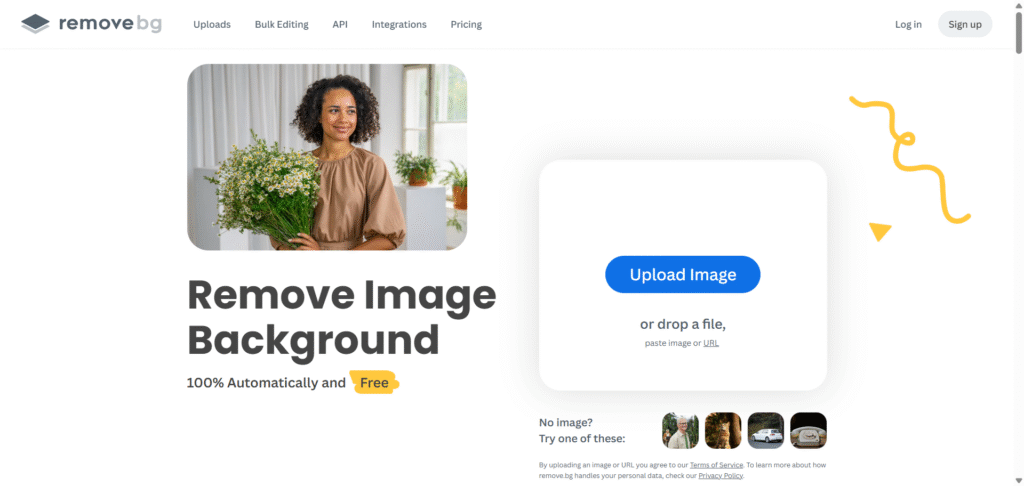
Best for: Fast, high-quality, automated background removal
Remove.bg is a powerhouse in the world of online background removers, known for its speed and precision. Using advanced AI, it detects the subject of an image and removes the background in just a few seconds, delivering clean, professional results.
Features:
- One-Click Removal: Upload an image, and the background is gone instantly.
- High Precision: Handles complex edges like hair or fur with impressive accuracy.
- Integrations: Offers plugins for Photoshop, Shopify, and Figma, plus an API for bulk processing.
- Customization: Add new backgrounds, including solid colors or custom images.
- Batch Processing: Available via the desktop app or API for large-scale projects.
Pricing:
- Free: Low-resolution downloads with one free high-resolution download upon signup.
- Paid: Subscription starts at $0.017 per credit (yearly plan) or pay-as-you-go at $0.14 per credit for high-resolution images.
Pros:
- Lightning-fast processing.
- Excellent edge detection for intricate details.
- Wide range of integrations for professionals.
Cons:
- Free version limits high-resolution downloads.
- Limited editing features beyond background removal.
Why Choose Remove.bg? If you need a reliable, no-fuss tool for quick background removal with professional results, Remove.bg is a top contender. It’s perfect for e-commerce sellers and designers who handle high volumes of images.
2. Adobe Express
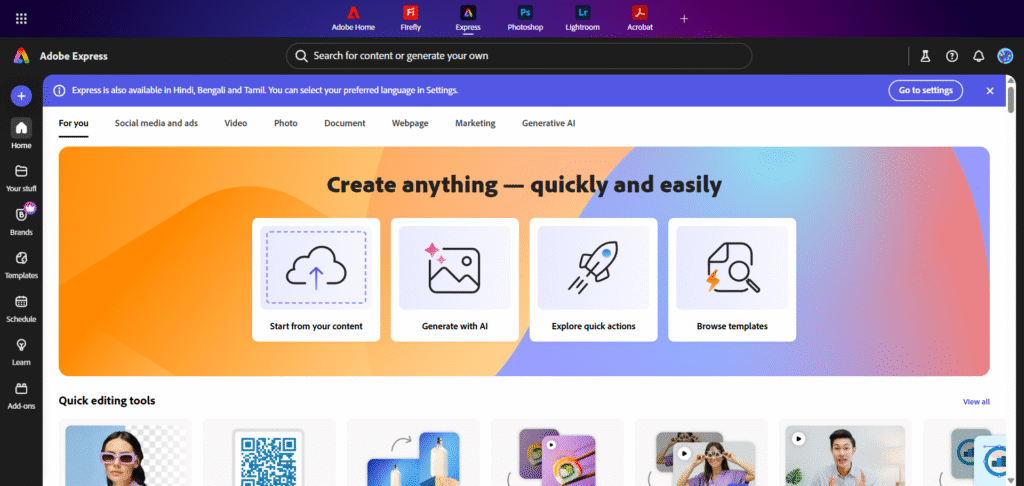
Best for: Seamless integration with creative tools
Adobe Express combines ease of use with the power of Adobe’s ecosystem, making it a favorite for creators who want more than just background removal. Its AI-driven background remover is intuitive and delivers high-quality results in seconds.
Features:
- AI-Powered Removal: Automatically removes backgrounds with a single click.
- Creative Tools: Add new backgrounds, apply filters, or create dynamic designs like flyers and social media posts.
- Mobile-Friendly: Available on desktop and mobile apps for iOS and Android.
- Templates: Thousands of customizable templates for further editing.
- Transparent Downloads: Save images as PNGs with transparent backgrounds.
Pricing:
- Free: Includes basic background removal and editing tools.
- Paid: Premium plans start at $9.99/month, unlocking advanced features and Adobe Stock assets.
Pros:
- Beginner-friendly interface.
- Extensive design tools for post-removal editing.
- Free plan is robust for casual users.
Cons:
- Advanced features require a paid plan “‘ Ascending
- Slower for bulk processing compared to dedicated tools.
Why Choose Adobe Express? Ideal for users who want a versatile, all-in-one design platform with background removal as a bonus. It’s great for creating polished visuals for social media or marketing.
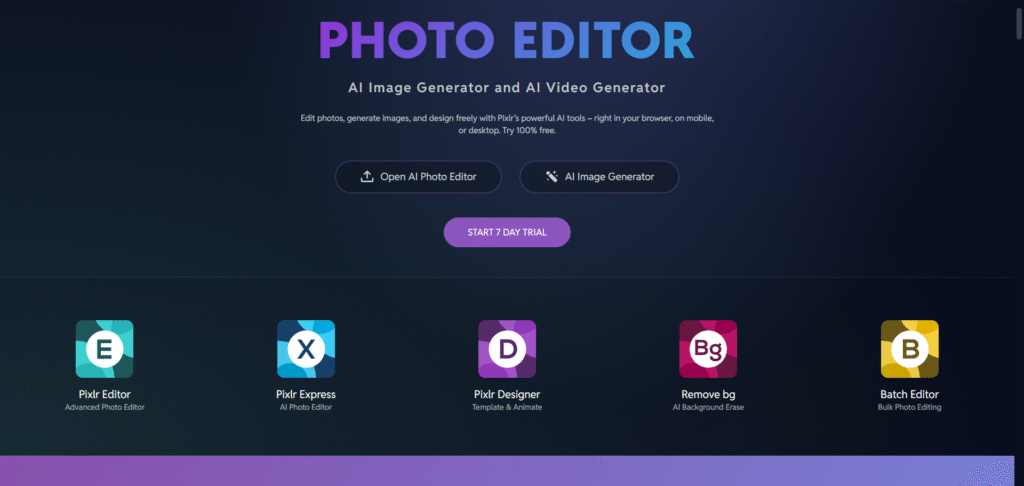
3. Pixlr
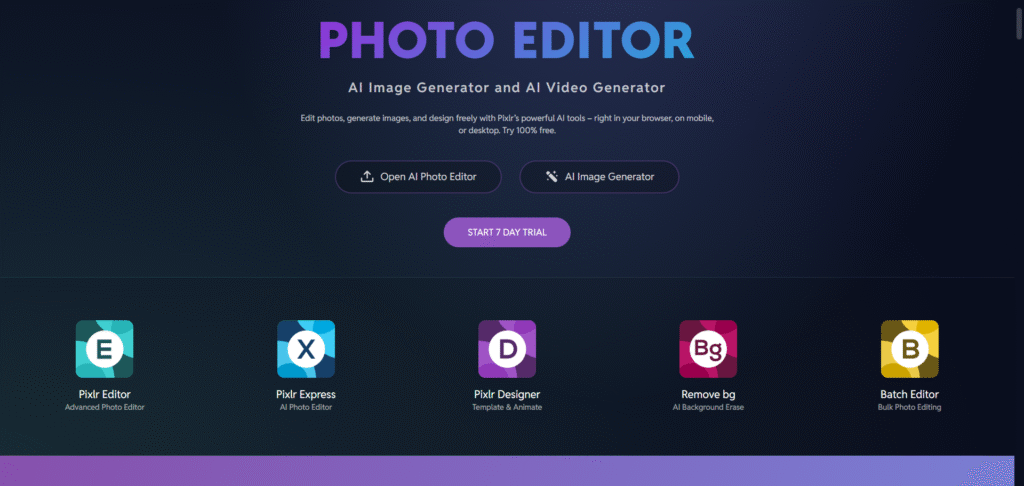
Best for: Free, beginner-friendly editing
Pixlr’s AI Background Remover is a free, browser-based tool that delivers professional-grade results without requiring a signup. It’s perfect for users seeking a quick, no-cost solution with decent editing capabilities.
Features:
- Automatic Removal: AI detects and removes backgrounds in seconds.
- Batch Processing: Process multiple images at once for efficiency.
- Fine-Tuning Tools: Manually adjust edges for precise cutouts.
- Background Options: Choose transparent, white, or black backgrounds.
- Additional Editing: Crop, resize, or add text and effects.
Pricing:
- Free: Full access to background removal and basic editing.
- Paid: Pro plans start at $4.99/month for advanced features like AI-generated scenes.
Pros:
- Completely free with no signup required.
- Intuitive interface suitable for beginners.
- High-quality cutouts for most images.
Cons:
- Limited to basic editing compared to premium tools.
- May struggle with very complex backgrounds.
Why Choose Pixlr? A fantastic free option for users who need quick, reliable background removal without committing to a subscription.
4. Canva

Best for: All-in-one graphic design with background removal
Canva is a popular design platform, and its background remover is a handy feature for Pro users. While not the primary focus of Canva, it’s a solid option for those already using the platform for design projects.
Features:
- One-Click Removal: Removes backgrounds instantly with AI precision.
- Design Integration: Seamlessly incorporate transparent images into Canva’s templates for presentations, social media, or flyers.
- Stock Library: Access a vast library of backgrounds, patterns, and images.
- Collaboration Tools: Ideal for teams working on shared projects.
- Mobile Access: Available on iOS and Android apps.
Pricing:
- Free: One-time free trial for background removal.
- Paid: Canva Pro starts at $12.99/month for unlimited background removal and premium features.
Pros:
- Perfect for users already in the Canva ecosystem.
- Extensive design resources for post-removal editing.
- User-friendly for non-designers.
Cons:
- Background removal locked behind Pro subscription after one use.
- Not as specialized for bulk processing.
Why Choose Canva? Great for creators who want an all-in-one platform to remove backgrounds and design professional content.
5. Photoroom
Best for: E-commerce and professional product photography
Photoroom is tailored for e-commerce sellers and photographers, offering AI-powered background removal with a focus on creating polished product images.
Features:
- Instant Removal: AI removes backgrounds in seconds with high accuracy.
- Batch Editing: Process multiple images for large catalogs.
- Background Options: Add solid colors, custom images, or AI-generated backgrounds.
- Mobile App: Available for iOS and Android for on-the-go editing.
- API Integration: Scalable for businesses with high-volume needs.
Pricing:
- Free: Low-resolution downloads with no signup.
- Paid: Plans start at $9.99/month for HD downloads and advanced features.
Pros:
- Excellent for product photography with clean cutouts.
- Scalable for businesses via API and batch processing.
- Photorealistic AI-generated backgrounds.
Cons:
- Free version limited to low-resolution images.
- Some features require a paid plan.
Why Choose Photoroom? A top pick for e-commerce merchants needing professional, consistent product images with minimal effort.
6. Fotor
Best for: Versatile editing with AI precision
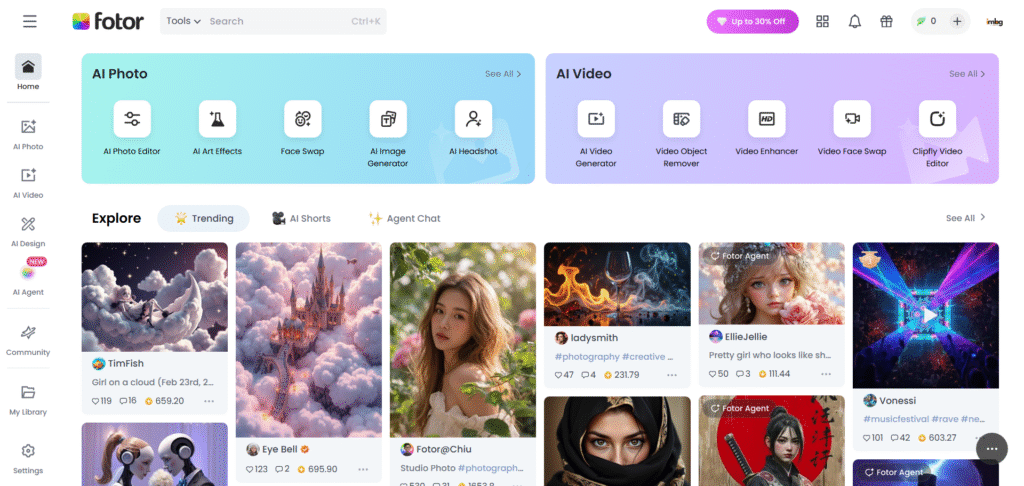
Fotor’s AI background remover is a robust tool that combines speed, accuracy, and additional editing features, making it suitable for both personal and professional use.
Features:
- AI-Driven Removal: Removes backgrounds in seconds, even for complex images like portraits or product shots.
- Magic Brush: Manually refine edges for perfect cutouts.
- Background Options: Choose transparent, solid colors, or pre-designed scenes.
- Batch Processing: Available on desktop and mobile apps.
- Additional Tools: Add effects, text, or clipart for enhanced designs.
Pricing:
- Free: Basic background removal with low-resolution downloads.
- Paid: Pro plans start at $8.99/month for HD downloads and advanced editing.
Pros:
- Handles complex images well, including hair and fur.
- Comprehensive editing tools for creative projects.
- Cross-platform availability.
Cons:
- Free version has resolution limitations.
- Interface may feel cluttered for new users.
Why Choose Fotor? Ideal for users who want a balance of powerful background removal and creative editing tools.
7. Erase.bg
Best for: High-resolution downloads for e-commerce
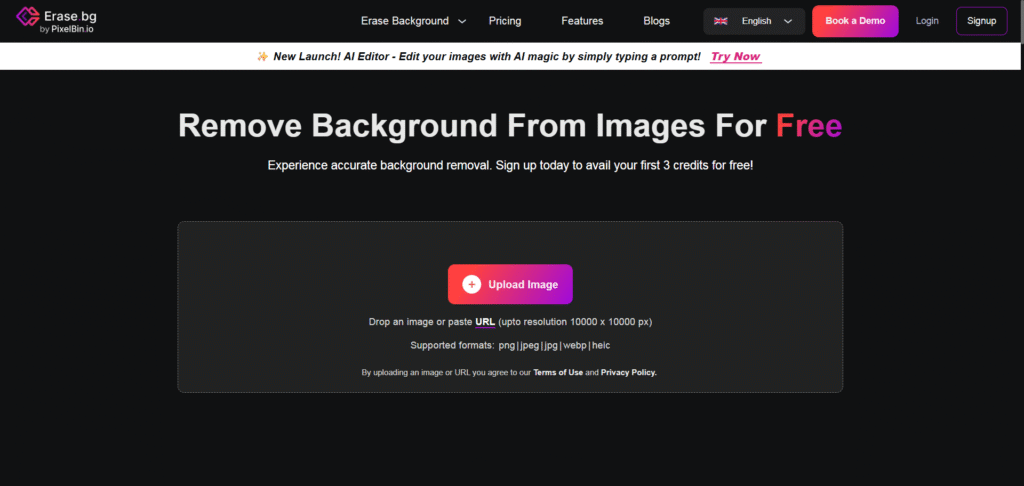
Erase.bg is a user-friendly tool designed for quick, high-quality background removal, particularly for e-commerce and personal projects.
Features:
- Simple Workflow: Upload, process, and download in 3-5 seconds.
- High-Quality Results: Preserves image resolution for professional use.
- Editing Options: Add themed backgrounds or solid colors.
- Bulk Processing: Supports large-scale image editing via API.
- Mobile App: Available for iOS and Android.
Pricing:
- Free: High-resolution downloads for non-commercial use.
- Paid: Credits for HD downloads start at $0.14 per image.
Pros:
- Fast and intuitive with professional results.
- Free high-resolution downloads for non-commercial use.
- Scalable for businesses.
Cons:
- Limited free credits for commercial use.
- Fewer editing tools compared to competitors.
Why Choose Erase.bg? A great choice for users needing high-resolution transparent images without a steep learning curve.
8. Pixelcut
Best for: Fast, free background removal for product photos
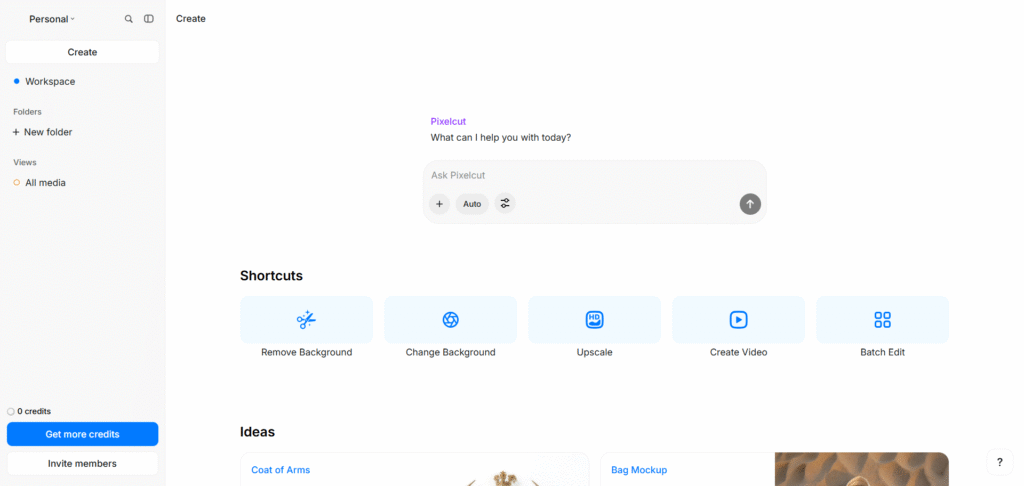
Pixelcut is a free, AI-powered tool that excels at creating clean, transparent backgrounds for product photography and marketing materials.
Features:
- Quick Removal: Backgrounds removed in under 3 seconds.
- AI Background Generator: Add photorealistic backgrounds like studio setups or scenic locations.
- Batch Processing: Process up to 30 images at once.
- Fine-Tuning: Adjust edges for precise cutouts.
- Mobile-Friendly: Available on iOS and Android.
Pricing:
- Free: Full access with no signup required.
- Paid: Pro plans start at $4.99/month for premium features.
Pros:
- Completely free with high-quality results.
- Excellent for e-commerce and social media.
- Photorealistic background options.
Cons:
- Free version lacks advanced editing tools.
- May struggle with very intricate images.
Why Choose Pixelcut? Perfect for small businesses and influencers needing quick, professional results without a budget.
9. Clipping Magic
Best for: Precision control for complex images
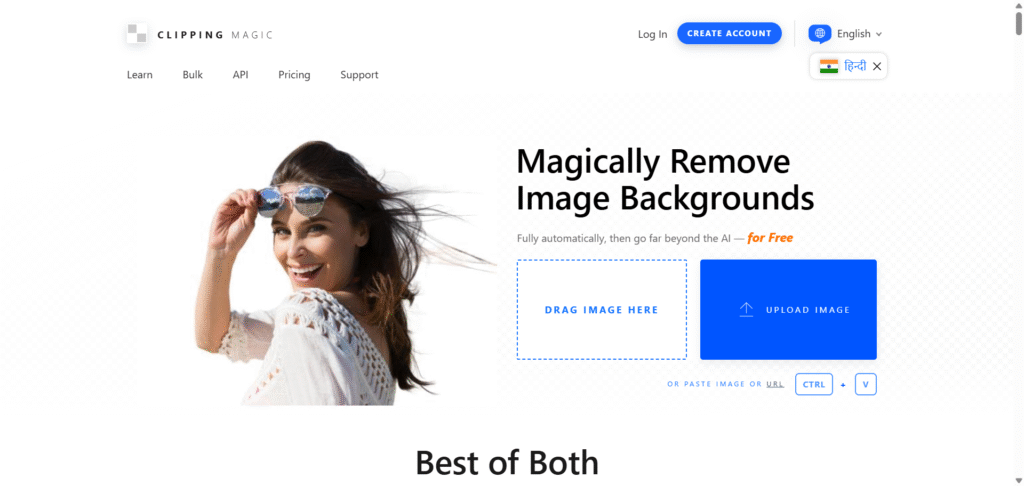
Clipping Magic offers a unique blend of automatic AI removal and manual tools for precise cutouts, making it ideal for users who need control over their results.
Features:
- Smart Editor: Combine AI automation with manual tools like a scalpel and hair tool.
- Edge Refinement: Adjust edges for perfect results, even with hair or fur.
- Batch Clipping: Process multiple images with consistent settings.
- Color Correction: Fix lighting and alignment for professional photos.
- Vector Conversion: Convert images to vectors for logos or embroidery.
Pricing:
- Free: Basic trial with limited features.
- Paid: Plans start at $3.99/month for 15 credits.
Pros:
- Unmatched control over edge details.
- Ideal for e-commerce and graphic design.
- Supports bulk processing.
Cons:
- Paid plans required for full functionality.
- Slightly steeper learning curve.
Why Choose Clipping Magic? Best for users who need precision and are willing to invest time in fine-tuning results.
10. PicWish
Best for: Batch processing and efficiency
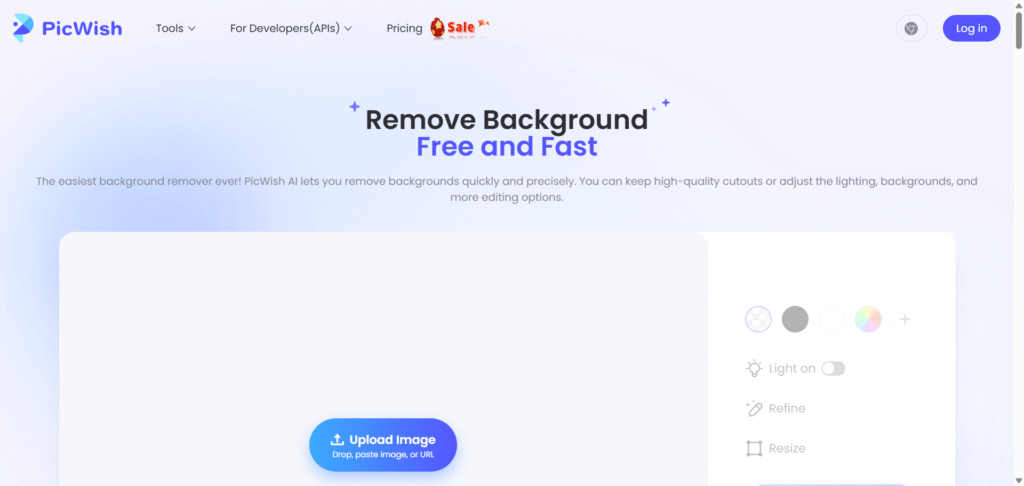
PicWish is a versatile tool that excels in batch background removal, making it a favorite for professionals handling large volumes of images.
Features:
- Batch Removal: Process up to 30 images online or 10,000 via desktop software.
- AI Precision: Removes backgrounds in 3 seconds with high accuracy.
- Editing Tools: Adjust lighting, resize, or add AI-generated backgrounds.
- Cross-Platform: Available on web, desktop, and mobile.
- Smart Refine: Manually edit details for perfect cutouts.
Pricing:
- Free: Low-resolution downloads with limited credits.
- Paid: Plans start at $5.99/month for 100 credits.
Pros:
- Exceptional for bulk processing.
- Fast and accurate AI technology.
- Affordable pricing for high-volume users.
Cons:
- Free version limited in resolution and credits.
- Fewer creative templates compared to Canva or Adobe Express.
Why Choose PicWish? A top choice for e-commerce merchants and designers needing to process large image catalogs efficiently.
How to Choose the Right Background Remover
With so many options, selecting the best tool depends on your specific needs:
- For Speed and Simplicity: Remove.bg, Pixelcut, or Erase.bg are ideal for quick, one-click results.
- For Creative Design: Adobe Express, Canva, or Fotor offer robust editing tools alongside background removal.
- For E-commerce: Photoroom, PicWish, or Clipping Magic excel in professional product photography.
- For Budget-Conscious Users: Pixlr and Pixelcut provide high-quality results for free.
- For Precision: Clipping Magic offers the most control over complex images.
Consider factors like your budget, the volume of images you need to process, and whether you require additional editing features. Most tools offer free trials, so test a few to find the best fit.
Tips for Effective Background Removal
To get the best results from any tool:
- Choose High-Quality Images: Images with clear, contrasting subjects work best.
- Check Lighting: Steady, even lighting helps AI detect edges accurately.
- Fine-Tune When Needed: Use manual tools for intricate details like hair or transparent objects.
- Experiment with Backgrounds: Try different colors or scenes to enhance your visuals.
- Save in PNG: PNG format preserves transparency for versatile use.
Conclusion
Online background removers have revolutionized image editing, making it accessible to everyone from hobbyists to professionals. Whether you’re a small business owner creating product photos, a content creator designing social media posts, or a photographer needing clean cutouts, there’s a tool on this list for you. From the lightning-fast Remove.bg to the versatile Adobe Express and budget-friendly Pixlr, these top 10 tools offer a range of options to suit any need or budget.
Try out a few of these tools to see which one fits your workflow best. With AI technology advancing rapidly, creating professional visuals has never been easier. Start experimenting today and elevate your content to the next level!
Feedback & Comments
Thank you for taking the time to read our blog post “Top 10 Image Background Removers Online – Free & Paid” here on ImBgRemover. We truly value every reader, and your opinion matters to us. This section is specially created for our visitors and blog readers to share their experiences, suggestions, and feedback.
If you found this article useful, we’d love to hear your thoughts in the comment box below. Your comments not only motivate us but also help other readers gain fresh perspectives and practical ideas. Whether you are an SEO professional, a beginner exploring digital marketing, or a website owner looking to increase traffic, your voice can make this space more engaging and valuable for everyone.
We also welcome suggestions for future topics or improvements to make our content even better. If you feel there’s something more we should cover about SEO, website growth, or online tools, please don’t hesitate to share. Every piece of feedback is important to us.
For any direct queries, partnerships, or support, feel free to connect with us anytime through our contact us page. Let’s learn, grow, and succeed together!