
आज के digital युग में photo editing सिर्फ एक skill नहीं, बल्कि एक जरूरत बन गई है। चाहे आप professional photographer हों या social media enthusiast, सही editing tool आपकी creativity को नई heights तक ले जा सकता है। 2026 में AI technology ने photo editing की दुनिया को पूरी तरह बदल दिया है।
इस comprehensive guide में, हम 2026 के top 10 photo editing software की detailed जानकारी देंगे। हर software की खूबियों, latest updates और किस तरह के users के लिए best है, सब कुछ कवर करेंगे।
AI Revolution 2026: फोटो एडिटिंग का नया युग
2026 में photo editing का landscape पूरी तरह बदल गया है। Artificial Intelligence अब सिर्फ एक extra feature नहीं रहा, बल्कि हर professional workflow का मुख्य हिस्सा बन गया है। जो काम पहले घंटों लेता था, वो अब मिनटों में होता है। पुरानी रीटचिंग techniques से लेकर complex compositing तक, AI ने photography editing को पूरी तरह transform कर दिया है।
आज के फोटोग्राफर्स के पास unlimited options हैं—Adobe जैसे established giants से लेकर AI-first innovators तक। लेकिन सही choice करना आसान नहीं है। क्या आपको subscription चाहिए या perpetual license? क्या आप AI automation चाहते हैं या मैनुअल control? RAW processing बेहतर चाहिए या creative tools?
इस comprehensive guide में, हम 2026 के top 10 photo editing software की detailed review करेंगे। हम उनकी latest updates, key strengths और different photographers के लिए suitability पर focus करेंगे।
Industry Standard: Adobe Ecosystem का दबदबा
प्रोफेशनल फोटोग्राफी की दुनिया में Adobe का ecosystem आज भी अपनी मजबूत पकड़ बनाए हुए है। Lightroom और Photoshop का combination बड़ी लाइब्रेरी और complex editing के लिए industry standard बना हुआ है।
Adobe Lightroom: RAW Processing का बादशाह
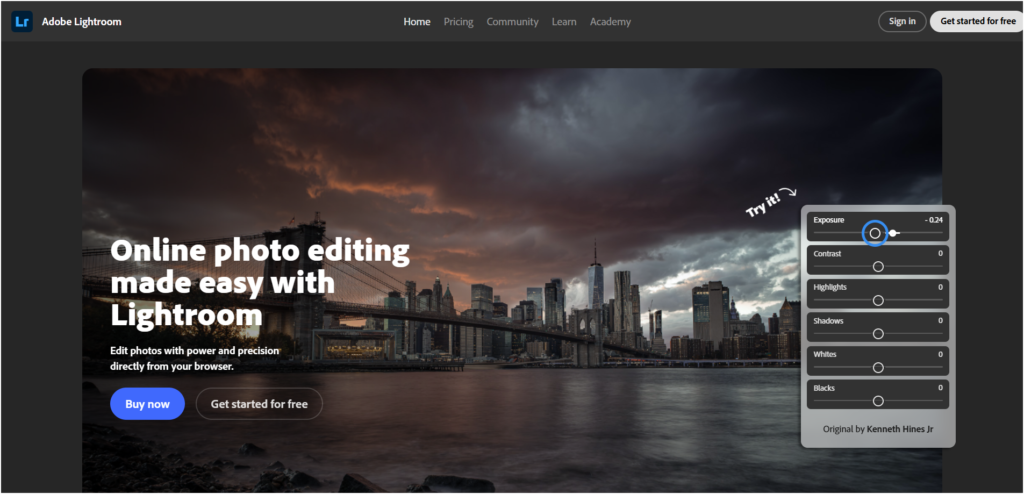
Lightroom अभी भी RAW processing और non-destructive editing में सबसे आगे है। 2026 के latest update में कई जबरदस्त features जोड़े गए हैं जो professional photographers की workflow को और भी efficient बना देते हैं।
नया AI Edit Status आइकन अब automatically track करता है कि किन images पर AI tools जैसे Denoise या Super Resolution apply हुए हैं। HDR Limit स्लाइडर landscape photographers को exposure पर बेहतर control देता है। Generative Remove tool अब पहले से ज्यादा accurate हो गया है और backgrounds को seamlessly fill करता है। Lens Blur feature realistic bokeh effects पैदा करता है जो natural aperture के जैसे दिखते हैं।
लाइटरूम अब भी high-volume workflows के लिए बेस्ट है—खासकर wedding या event photographers के लिए जो हजारों images को catalog और batch edit करते हैं। लेकिन यह सब्सक्रिप्शन-ओनली है, जो कुछ users को नागवार गुजर सकता है।
बेस्ट फॉर: प्रोफेशनल फोटोग्राफर्स जो large collections मैनेज करते हैं।
Adobe Photoshop: Pixel-Level Mastery का चैंपियन
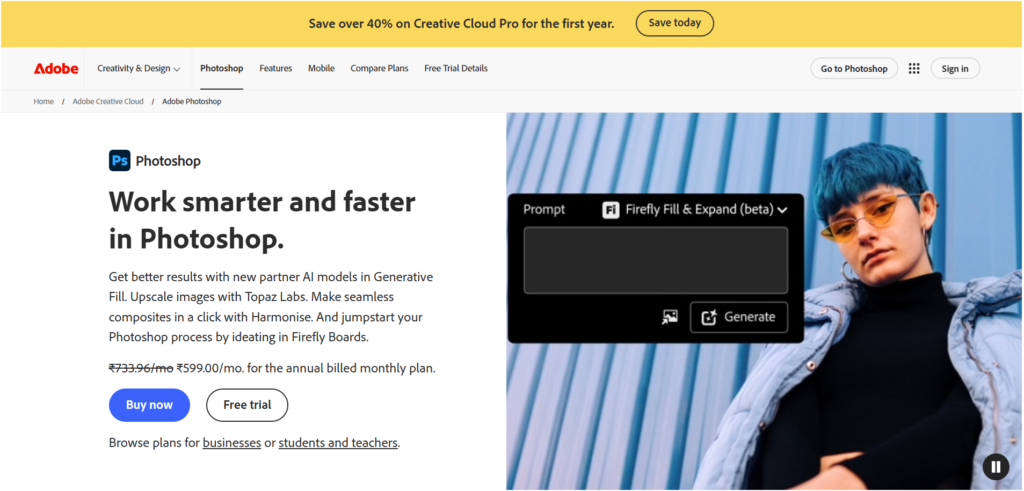
अगर आपको लेयर्स, मास्क्स और कंपोजिटिंग चाहिए, तो Photoshop अभी भी किंग है। 2026 में Firefly 4 ने Generative Fill और Expand की क्वालिटी को नए लेवल पर पहुंचा दिया है। नया Harmonize फीचर अलग-अलग लेयर्स को automatically एक साथ मैच कर देता है—color, tone और lighting में।
Generative Upscale अब third-party models को सपोर्ट करता है, जिससे आप Topaz Gigapixel जैसे specialized टूल्स का फायदा उठा सकते हैं। यह professional compositing और advanced retouching के लिए अभी भी unbeatable है।
बेस्ट फॉर: एडवांस्ड कंपोजिटिंग, रीटचिंग और ग्राफिक डिज़ाइन
लाइसेंस: सब्सक्रिप्शन-बेस्ड
Professional Alternatives: RAW Specialists की दुनिया
एडोब के अलावा भी कई शानदार options हैं जो color accuracy या RAW quality में बेहतर performance देते हैं।
Capture One: Studio Photography का राजा
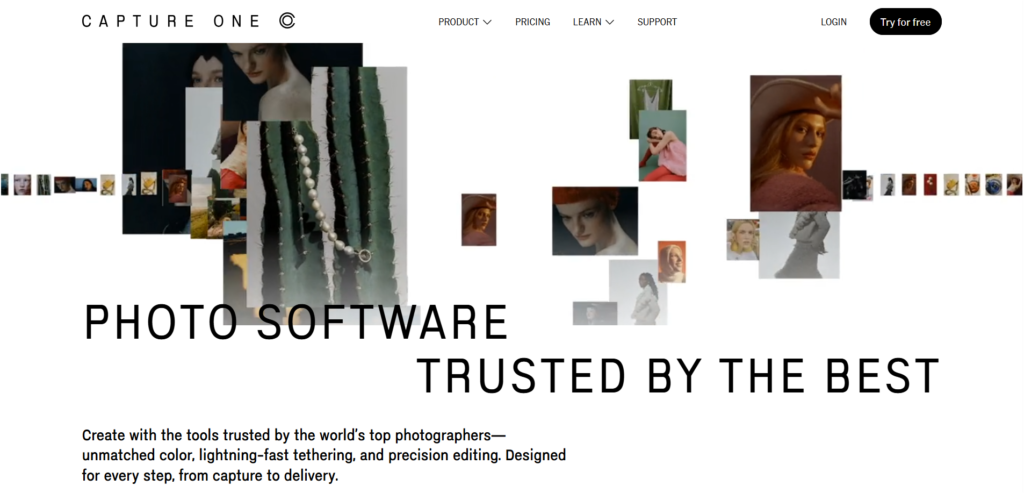
स्टूडियो और कमर्शियल फोटोग्राफी का लीडर
Capture One स्टूडियो photographers के बीच बेहद लोकप्रिय है। 2026 में AI Masking और Match Look feature ने color accuracy को नया level दिया है। इसकी tethering capability अब भी industry में best-in-class मानी जाती है।
बेस्ट फॉर: Color fidelity, tethering और product/fashion shoots
लाइसेंस मॉडल: Perpetual / Subscription
DxO PhotoLab: RAW Quality का सितारा
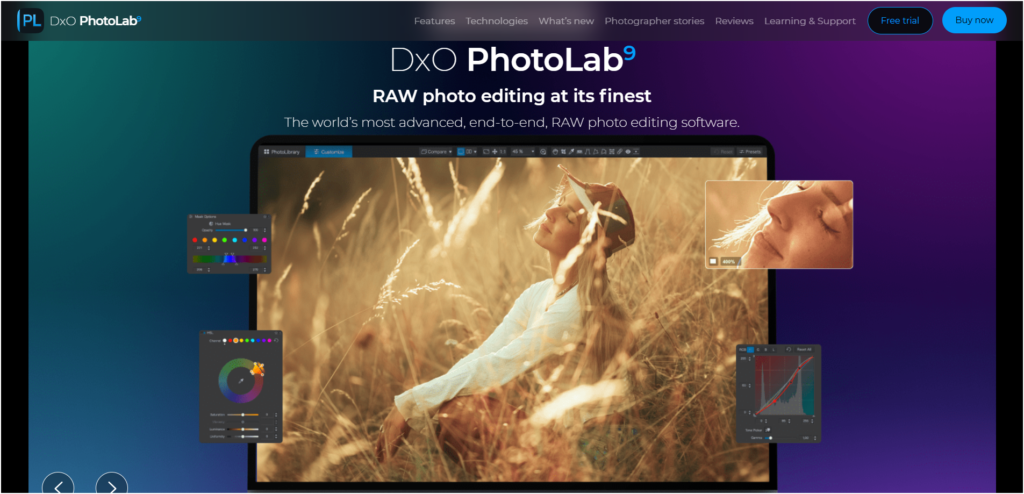
RAW quality का असली champion यही है। DeepPRIME XD3 denoising technology अब Fujifilm X-Trans sensors को full support देती है। U Point technology से local adjustments करना बेहद आसान हो गया है। Low-light photography के लिए यह सॉफ्टवेयर अद्भुत है।
बेस्ट फॉर: Low-light shots, optical correction और non-subscription users
लाइसेंस मॉडल: Perpetual
AI-First Innovators: नई सोच के टूल्स
यह नई generation के tools हैं जो AI को अपने workflow का center बनाते हैं।
Luminar Neo: Creative Transformation की मिसाल
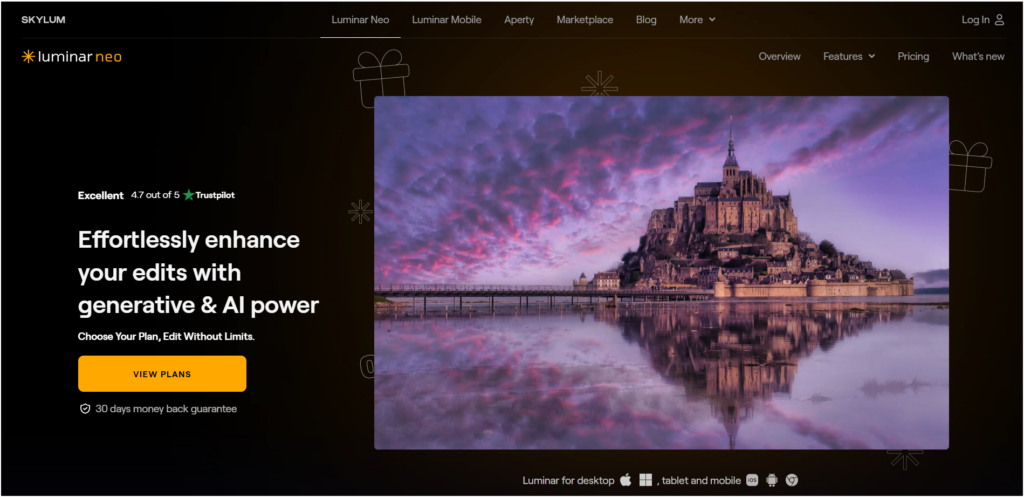
यह pure AI-first editor है। 2026 update में GenErase, GenExpand, GenSwap, Restoration (पुरानी photos restore करने के लिए) और Light Depth (3D lighting effects) जैसे features आए हैं। इसका AI Assistant real-time editing tips भी देता है।
बेस्ट फॉर: Creative transformation, restoration और automation
लाइसेंस मॉडल: Perpetual / Subscription
ON1 Photo: All-in-One Solution
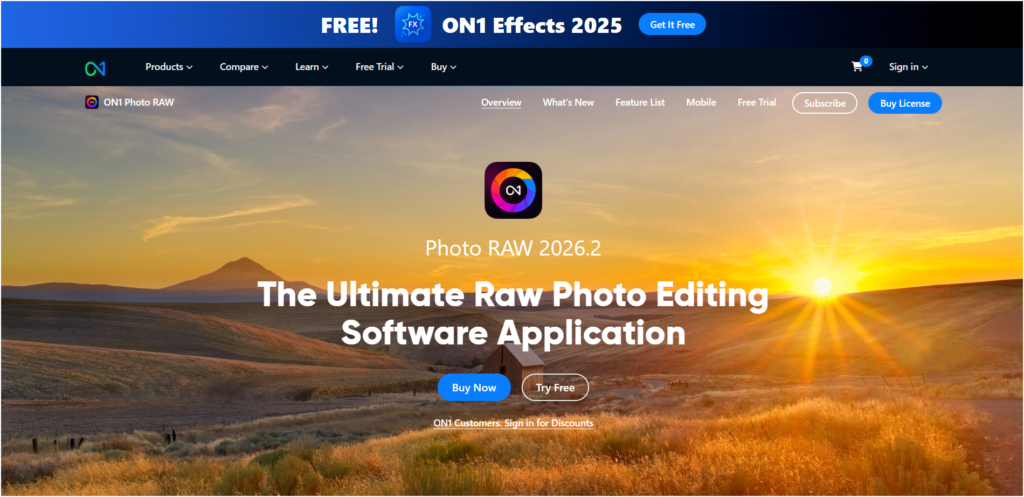
यह complete all-in-one non-subscription alternative है। Resize AI 2026 अब fully integrated है, साथ ही Mask Layers और Generative Erase/Crop features भी add किए गए हैं। Subscription नहीं चाहने वालों के लिए यह perfect choice है।
बेस्ट फॉर: Subscription-free comprehensive workflow
लाइसेंस मॉडल: Perpetual / Subscription
Value Leaders: बजट के अनुकूल विकल्प
Budget में powerful tools चाहिए? ये options best हैं।
CyberLink PhotoDirector: Social Media का मास्टर
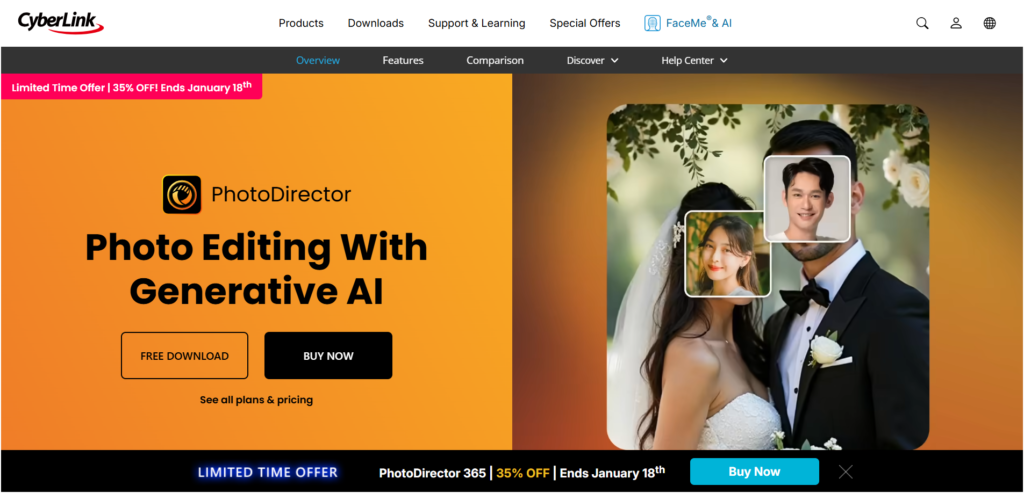
AI face tools (Multi Face Swap, Face Deblur) और Animation Suite के साथ यह social media content creation में master है। Value for money के मामले में यह outstanding है।
बेस्ट फॉर: Value, portrait photography और animation
लाइसेंस मॉडल: Subscription
Movavi Editor: Beginners Software
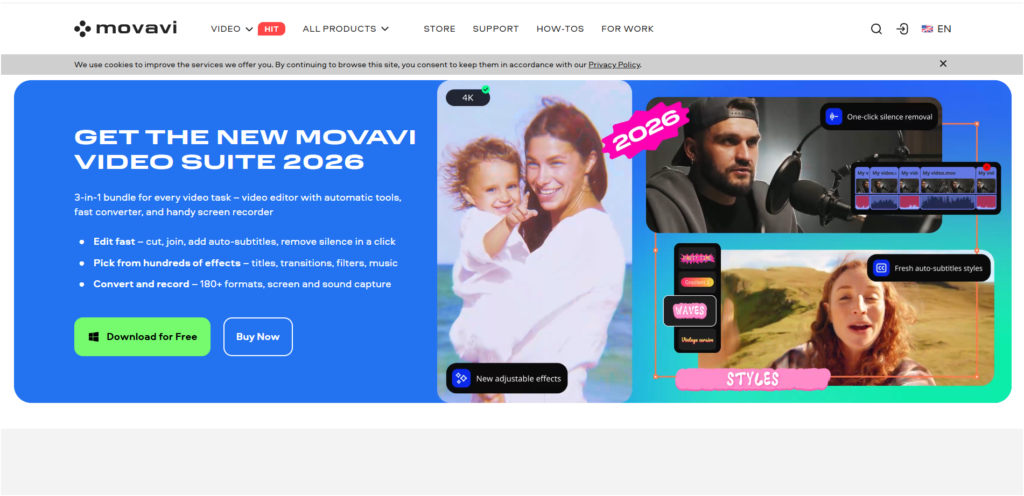
Beginners के लिए यह बिल्कुल perfect है। AI Retouching, Object Removal और Old Photo Restoration जैसे features को बेहद simple interface में दिया गया है।
बेस्ट फॉर: Quick fixes, family photos
लाइसेंस मॉडल: Perpetual
Mobile Powerhouses: चलते-फिरते Editing
On-the-go editing के लिए ये tools बेहतरीन हैं।
Snapseed: Free Mobile का बादशाह
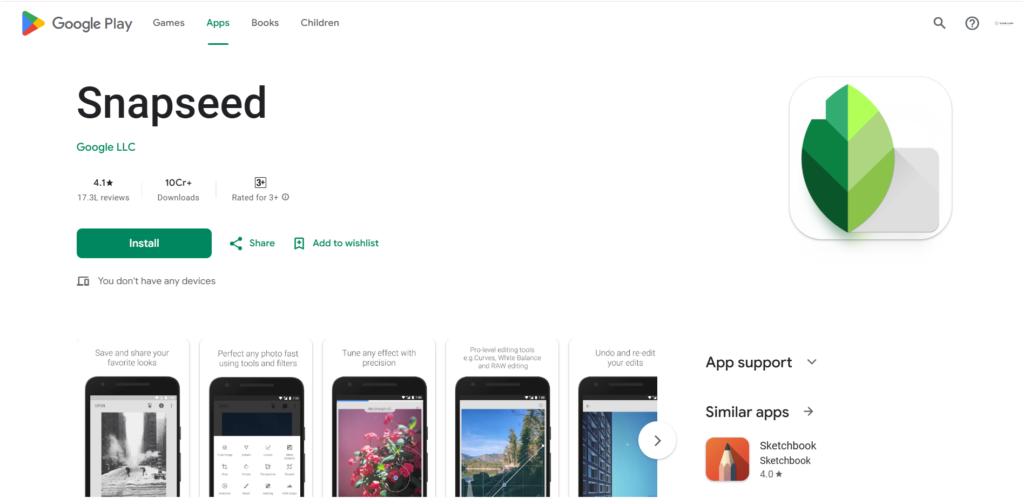
2025-26 में UI update के साथ यह अब भी best free mobile editor है। Selective Adjust, Arc-Style Controller और RAW support इसे powerful बनाते हैं।
बेस्ट फॉर: Mobile-first, non-destructive editing
लाइसेंस: Free
Pixlr: Web-Based Editing का सितारा
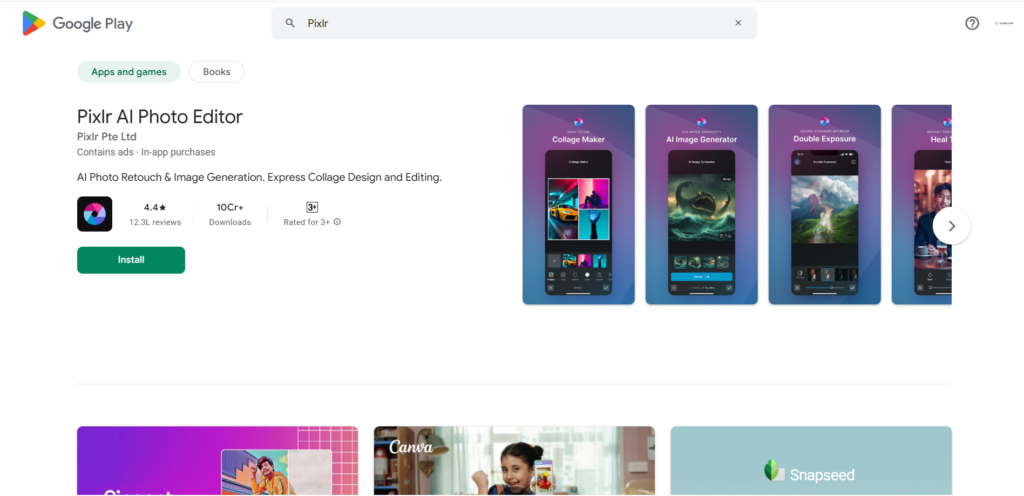
यह powerful web-based editor है। 2026 में AI Generative Fill, Expand और Nano Banana (natural language editing) जैसे features add हुए हैं।
बेस्ट फॉर: Browser-based editing, graphic design
लाइसेंस: Free / Subscription
Comparison Chart: तुलनात्मक विश्लेषण
| सॉफ्टवेयर | बेस्ट फॉर | मुख्य AI फीचर्स | लाइसेंस |
|---|---|---|---|
| Adobe Lightroom | High-volume RAW workflow | Generative Remove, Lens Blur | Subscription |
| Adobe Photoshop | Advanced compositing | Generative Fill, Harmonize | Subscription |
| Capture One Pro | Studio photography | AI Masking, Match Look | Perpetual/Sub |
| DxO PhotoLab 9 | RAW quality | DeepPRIME XD3 | Perpetual |
| Luminar Neo | Creative AI transformation | GenErase, Light Depth | Perpetual/Sub |
| ON1 Photo RAW | All-in-one solution | Resize AI, Gen Erase | Perpetual/Sub |
| CyberLink PhotoDirector | Value & social media | Face Swap, Animation | Subscription |
| Movavi Photo Editor | Beginners | AI Retouching | Perpetual |
| Snapseed | Mobile editing | Selective Adjust | Free |
| Pixlr | Web-based editing | Gen Fill, Nano Banana | Free/Sub |
Final Conclusion: भविष्य है Intelligent और Diverse
2026 में photo editing का landscape पहले से कहीं ज्यादा diverse और powerful हो गया है। AI ने न सिर्फ काम को आसान बनाया है, बल्कि creativity के नए dimensions भी खोले हैं।
Perfect Choice: आपके लिए सही विकल्प कैसे चुनें?
Professional photographers के लिए: Adobe Lightroom + Photoshop या Capture One Pro ideal हैं
Budget-conscious users के लिए: DxO PhotoLab या ON1 Photo RAW best options हैं
Creative experimenters के लिए: Luminar Neo perfect choice है
Beginners के लिए: Movavi या CyberLink PhotoDirector शुरुआत करने में helpful होंगे
Mobile users के लिए: Snapseed unbeatable है
चाहे आप professional photographer हों या hobbyist, 2026 में हर किसी के लिए कुछ न कुछ है। AI revolution ने editing को democratize कर दिया है – अब technical expertise की जगह creativity ही main factor बन गई है।
अपनी जरूरतों, budget और workflow को ध्यान में रखकर चुनाव करें। ज्यादातर tools free trials offer करते हैं – इन्हें try करके देखें कि कौन सा आपके style के साथ best fit होता है। Happy editing!